桌面电脑里的作品集
Henry Heffernan Portfolio,Henry Heffernan,2022 年
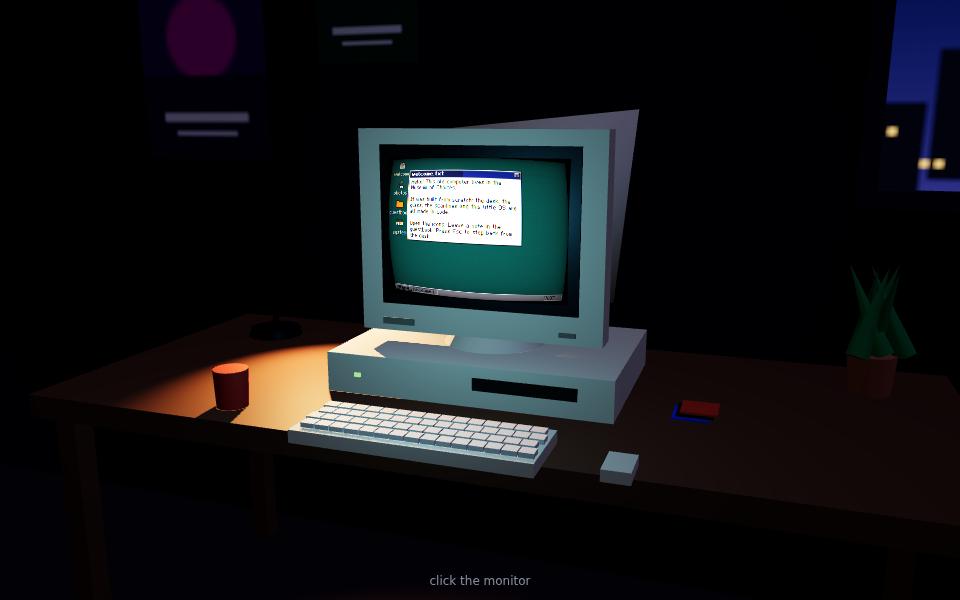
正在布展…
它是怎么做的
- 第 1 步主场景用 WebGL 渲染烘焙光照的桌面模型
- 第 2 步显示器内容是一个独立的 React 站点,用 CSS3DRenderer 嵌入的 iframe 对齐到屏幕平面
- 第 3 步WebGL 屏幕网格上叠加 CRT 扫描线/暗角着色器,让 HTML 看起来像在玻璃后面
- 第 4 步相机在“桌面视角”和“屏幕视角”之间缓动,配合 Web Audio 环境声
复刻配方
一段技术配方,可以直接交给 AI 编程助手,也可以自己照着写。想指定技术栈、位置和性能预算,就把它加入实现方案。
Render a baked-lighting desk scene in WebGL, then create a CSS3DRenderer layer whose iframe is positioned and scaled to exactly match the monitor's screen quad. Punch a hole in the WebGL canvas at the screen (render the screen mesh with a blending mode that writes transparent pixels) so the DOM shows through, and draw a translucent CRT overlay with scanlines and vignette on top. Tween the camera between an overview pose and a straight-on screen pose on click, and layer ambient hum and key-click samples via the Web Audio API.
档案
相关藏品
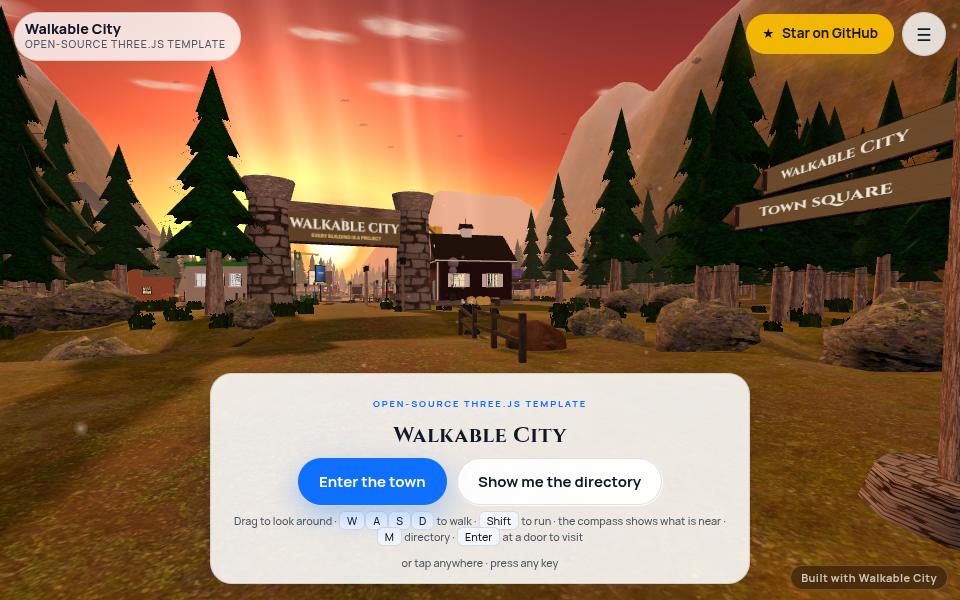
可漫步的小镇
2026Walkable City (engine behind Client City) — John Bailey / The Bailey Perspective
夕阳下的山谷小镇,每栋房子是一件作品,沿着河流、松林和石桥走过去就能逛完整个作品集。
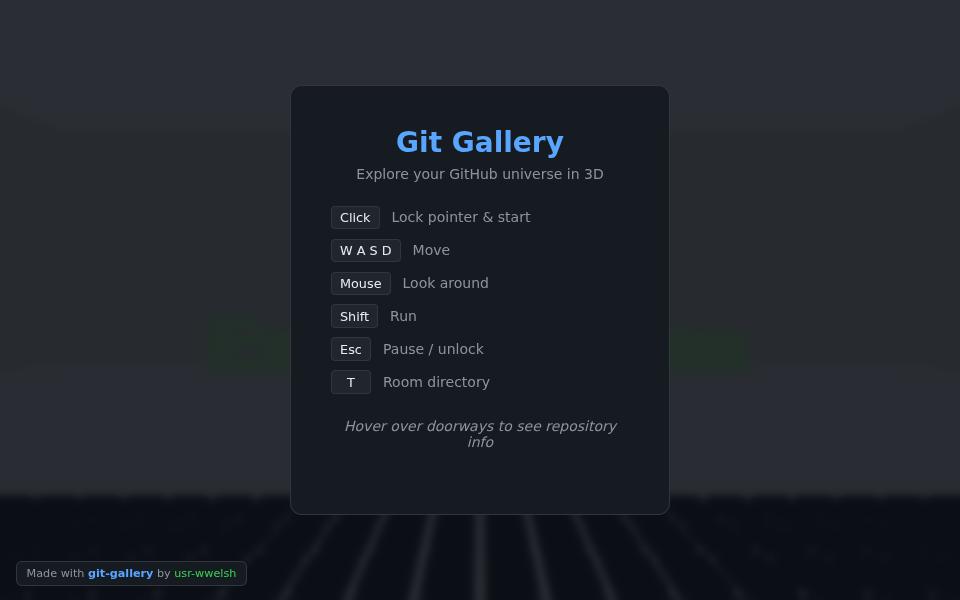
代码仓库美术馆
2026Git Gallery — William Welsh (usr-wwelsh)
第一人称走进一座由 GitHub 主页生成的珍奇柜:大厅墙上是贡献热力图,走廊两侧每个仓库一间展厅。
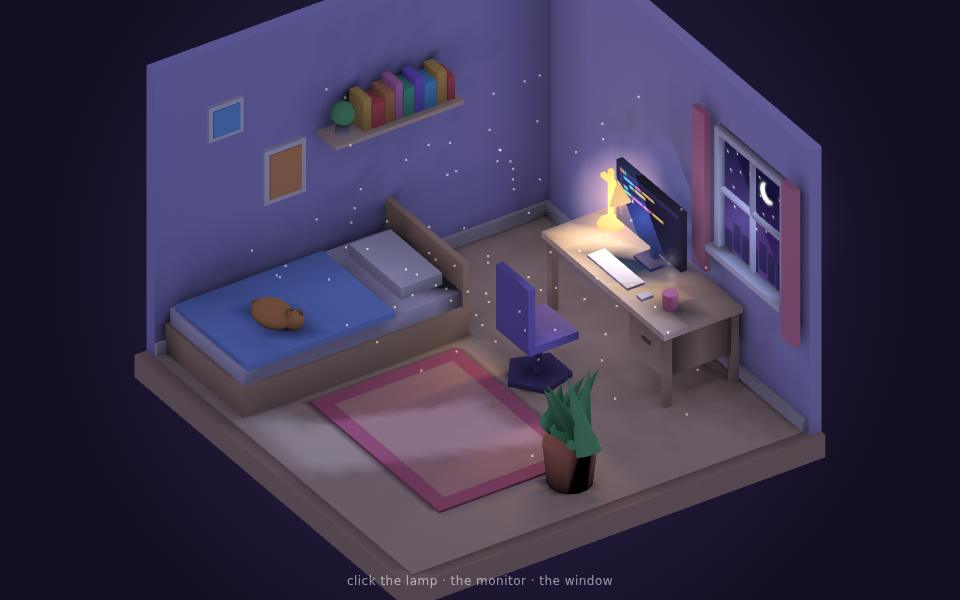
我的三维房间
2021My Room in 3D — Bruno Simon
一个温馨的等距视角书房模型,屏幕在播放视频、灯光柔和,可以拖拽环绕查看。